

A Travellers Guide – Smartphone Photography Tips
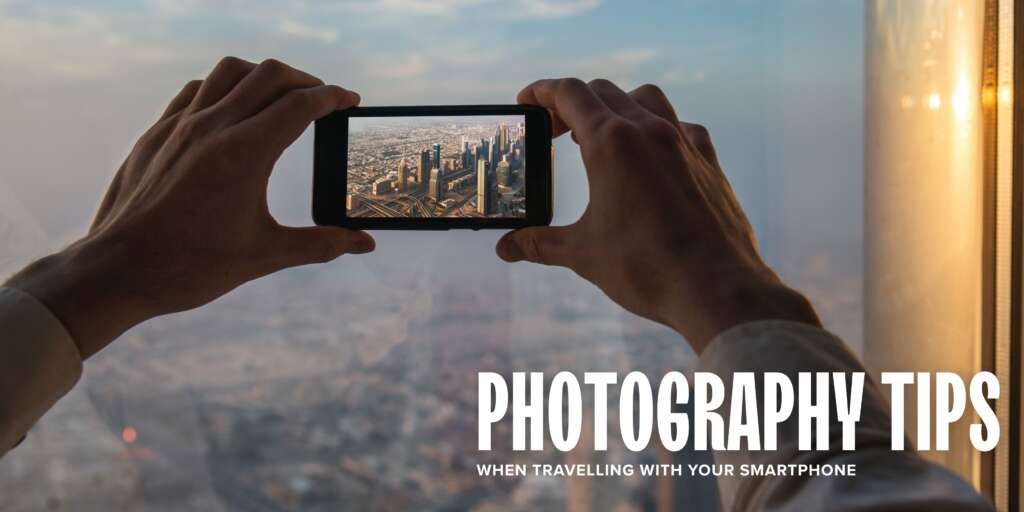
Standing on the deck of a boutique cruise ship as it glides into a hidden Alaskan fjord or slides alongside a sun-drenched Greek island presents countless photo opportunities. From a sudden pod of dolphins riding the bow wave, a dramatic medieval castle appearing around a river bend, or a deeply vibrant sunset stretching across a flat ocean horizon, cruise travel is full of moments worth capturing
At Cruise Traveller, we often see guests carrying heavy, complicated DSLR cameras and multiple lenses to capture these memories. While traditional cameras are fantastic, the smartphone resting in your pocket is an absolutSme pocket-sized powerhouse.
Today’s mobile devices feature highly advanced sensors and smart processing systems that can capture stunning, publication-grade travel memories if you know how to unlock their hidden settings.
Universal Photography Concepts
Before diving into brand-specific tricks, a few fundamental photography concepts will instantly elevate your photos, regardless of the smartphone you use.
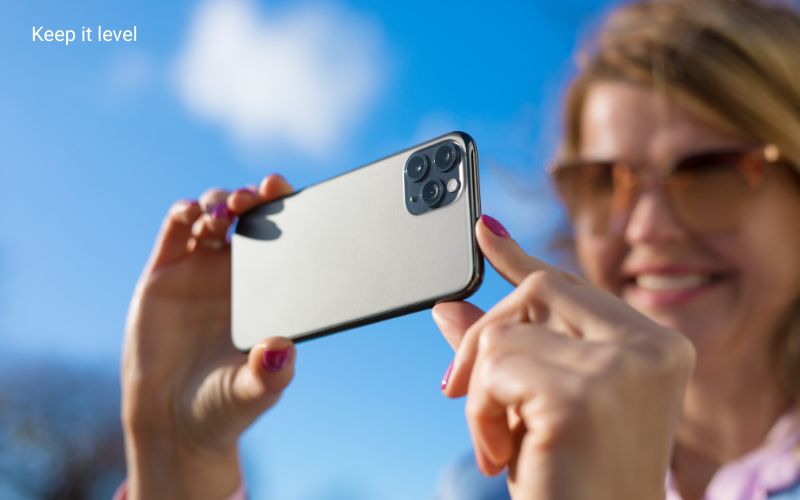
- Keep It Level: Nothing ruins a beautiful ocean shot faster than a crooked horizon line. When the horizon tilts, the ocean looks like it is sliding out of the frame. To fix this, turn on the Grid lines in your settings. Use the rule of thirds: Avoid placing your primary subject, like a solitary lighthouse or an expedition Zodiac, directly in the dead center of your frame. Instead, use your grid lines to position the subject along one of the vertical or horizontal intersections. This creates a more dynamic, balanced, and professional composition that naturally guides the eye.
- The Sunscreen and Saltwater Smudge: This is the single biggest culprit behind hazy, blurry cruise photos. Over the course of a shore excursion, your phone lens collects fine coats of finger oil, sunscreen, and salty sea air mist. wipe the lens with a clean microfibre cloth before every single shot.
- Embrace the Golden Hour: Avoid taking your landscape photos during the middle of the day when the sun is directly overhead. High noon creates harsh, bright glare and deep, dark shadows that can confuse your phone’s auto-exposure. Instead, step out on deck during the “Golden Hour”—the hour just after sunrise and just before sunset. When the light is warm and soft
Unlocking Your iPhone
Apple’s iPhone camera system is celebrated for its natural colour accuracy and point-and-shoot simplicity. However, if you leave everything on standard auto, you are missing out on some incredible tools designed for changing landscapes.
The Long Exposure Waterfall Trick
If you are on a river cruise past tumbling cliffs or an expedition hike near a waterfall, you can capture that smooth, silky water effect typically seen in professional nature magazines.
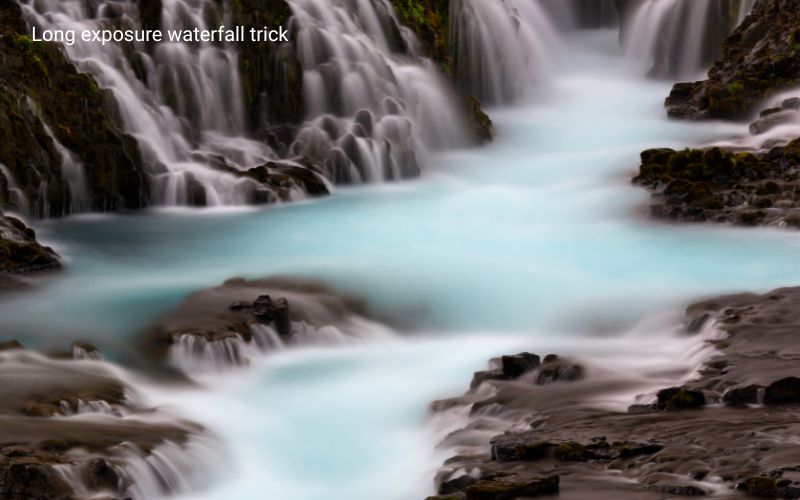
Open the photo in your Photos app, tap the “Live” dropdown menu and select Long Exposure. The phone will instantly blend the frames, smoothing out the moving water while keeping the rocks sharp.
Turn on Live Photos (the concentric rings icon at the top right of your camera screen).
Take a photo of the moving water, holding your hands as steady as possible.
Quick Exposure Compensation
Water and ice can trick the iPhone into underexposing a scene, making a bright white glacier look dull and grey. To fix this, tap your screen to focus on the subject. A yellow box with a sun icon will appear next to it. Slide your finger upward to lift the brightness, or down to deepen the shadows during a sunset.
Unlocking Your Samsung Photographic Power
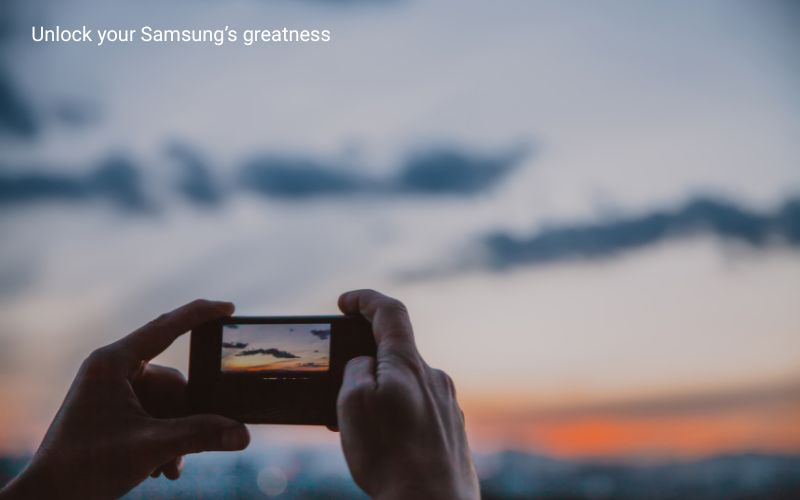
Samsung Galaxy devices, particularly the premium Ultra models, are known for versatile camera hardware, strong zoom capabilities and incredible control over digital settings.
Harness the Space Zoom for Wildlife
When an eagle appears in the canopy or a whale breeches at a distance during an expedition voyage, Samsung’s telephoto lenses shine. When zooming past 10x, a small stabilization preview box will appear in the corner of your screen. Tap that preview box to lock the lens onto the animal; and reduce shake from your hands and the movement of the ship.
Tap into Expert RAW for High Contrast Landscapes
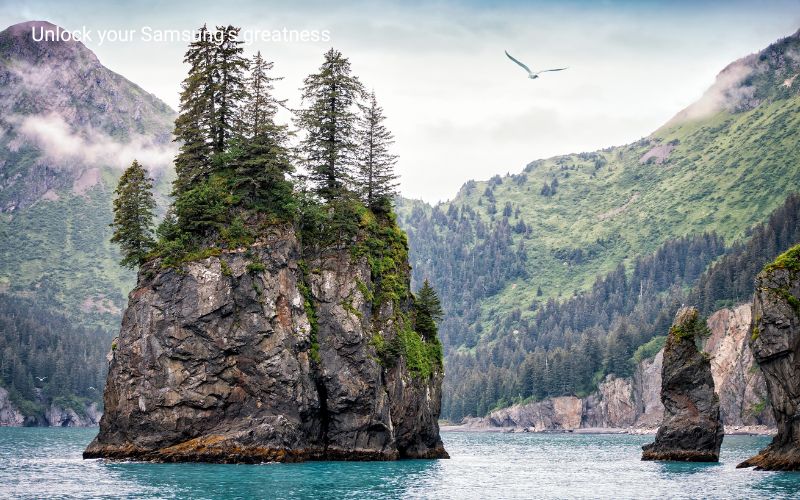
Sailing into deep fjords or dramatic sea caves means managing massive differences in light; bright sky at the top, dark cliffs at the bottom. Samsung’s Pro Mode or the downloadable Expert RAW app allows you to capture images with greater “dynamic range” (the ability to see detail in both the brightest highlights and the darkest shadows).
It captures a clean, uncompressed file that preserves all the details of the rocks and clouds, giving you total freedom if you like to touch up your colours later using editing apps.
The Ultimate Travel Companion
The best camera is truly the one you have with you at the moment. By taking a few extra seconds to check your horizon line, wipe down the lens, and utilize your phone’s built-in shortcuts, you can return home with a digital album that perfectly captures the magic of your voyage.